 Whop Payment Integration
Whop Payment Integration
Whop Payment Integration
Turn Whop into a native GoHighLevel payment provider — one-time payments, recurring subscriptions, saved cards, and upsells, all synced automatically between the two platforms.
Pick a walkthrough from the list to play it here.
Everything your team needs to manage Whop-powered payments without leaving GoHighLevel.
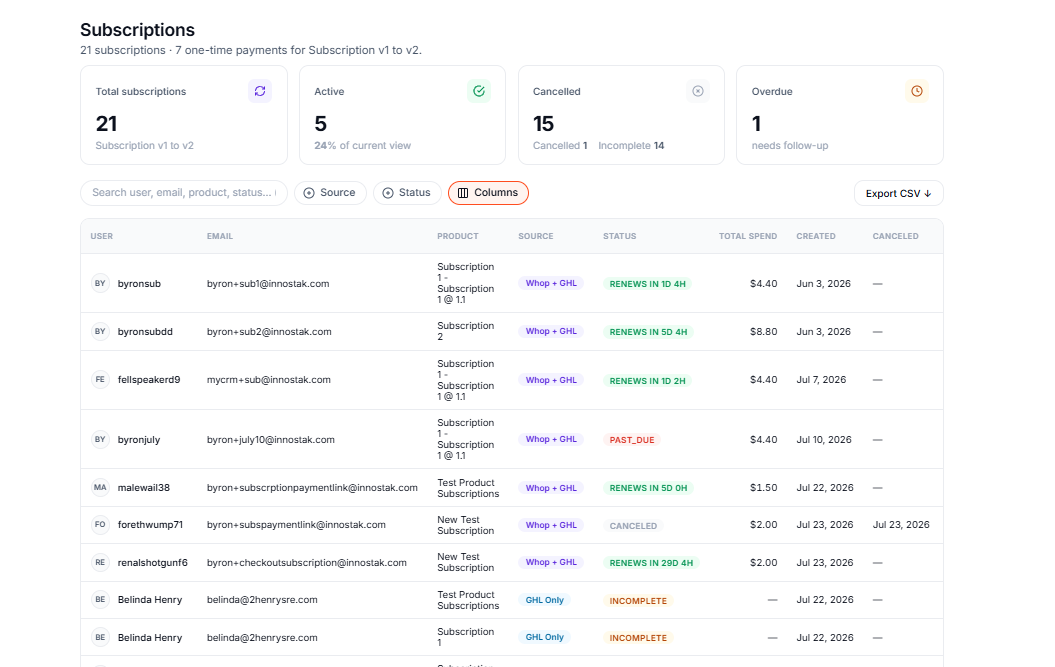
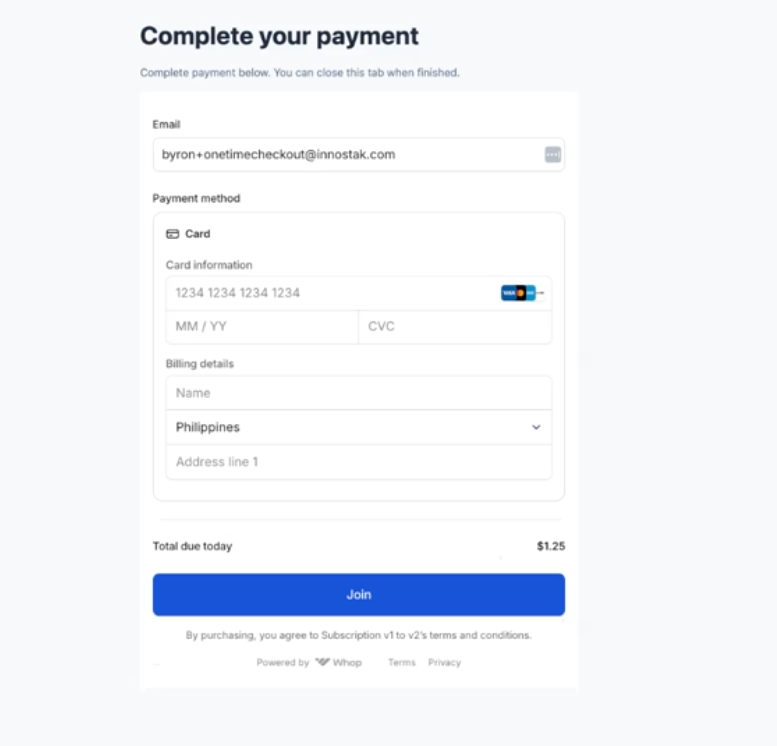
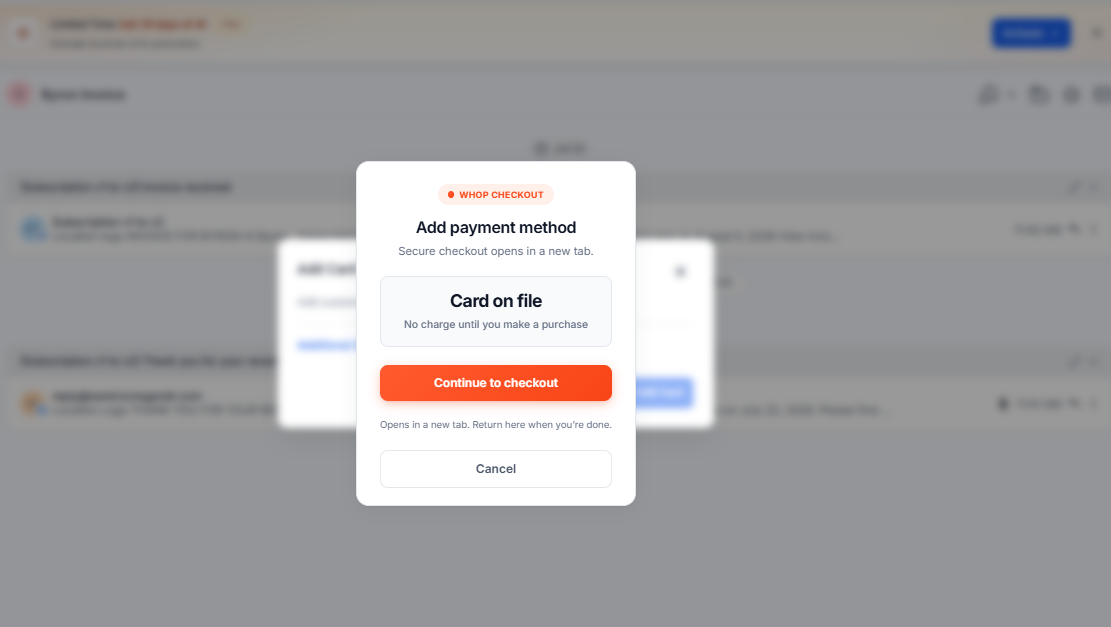
Whop as a first-class GoHighLevel payment provider — no redirects to a separate checkout page.
Renewals, cancellations, and status changes stay in sync between Whop and GHL automatically.
Charge a saved card for one-click upsells and downsells without asking customers to re-enter payment info.
Payment captured, failed, and refunded events post straight to GHL as they happen — no polling.
The install wizard walks you through connecting your accounts — no developer needed.
Authorize the app on your sub-account or agency.
Link your Whop company with a couple clicks.
Choose which ways customers can pay.
Get access to our support community.
Start taking Whop payments in GoHighLevel.
It only takes a few minutes and there's nothing to install manually.
Install the integration